Connecting to Claude Code
CC Gate connects to Claude Code through something called a hook — a small background process that lets the two apps talk to each other. You install it once and never think about it again.
What the hook does
When Claude Code is about to do something that needs permission, it checks whether any apps want to handle that request. The CC Gate hook steps in and says "yes, I'll handle it." Depending on your Auto-Accept settings, it either approves silently or pops up a notification in CC Gate so you can decide.
Without CC Gate
Claude Code asks in the terminal. You have to switch to that window and type yes or no — every single time, for every action.
With CC Gate installed
CC Gate handles it silently if auto-accept is on, or shows a clear notification if it needs your input. No terminal switching required.
Installing the hook
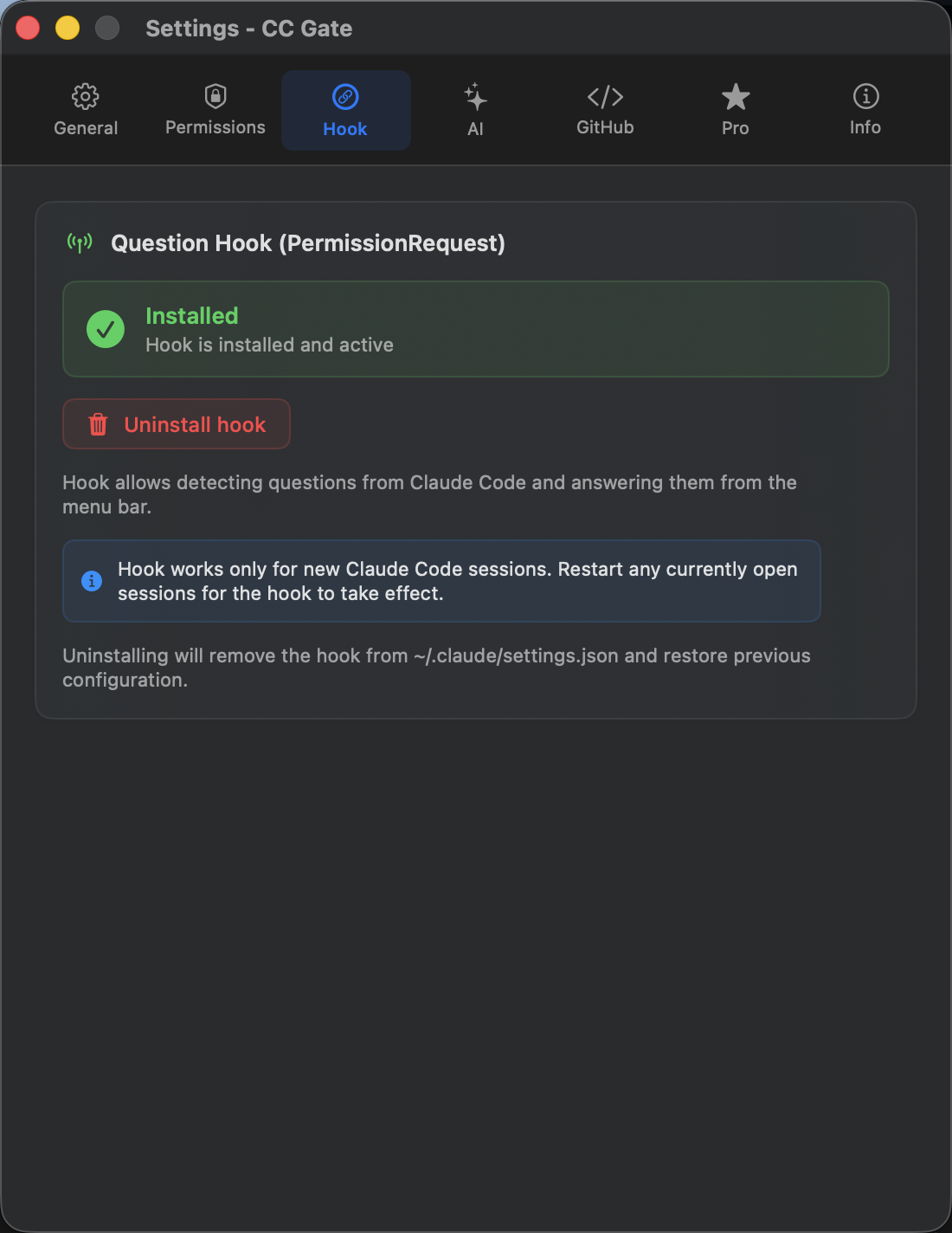
- Open CC Gate and click Settings in the popup.
- Click the Hook tab.
- Click Install hook.
- The status changes to a green ● Installed badge.
/clear in an existing session.
Hook status indicators
The Hook tab in Settings always shows you the current state at a glance.
Automatic maintenance
Once you install the hook, CC Gate takes care of keeping it healthy. You don't need to manage it yourself.
Self-repairing
Occasionally, Claude Code can overwrite its own settings and accidentally remove the hook registration. CC Gate detects this automatically and quietly fixes it in the background within seconds. You'll never notice it happened.
Outdated hook detection
When you update CC Gate and the hook script changes, CC Gate detects that your installed hook is outdated. A yellow warning badge appears in Settings → Hook. Simply click the Update button there to install the latest version — it takes a second.
Uninstalling
If you ever want to remove the CC Gate connection: go to Settings → Hook tab → click Uninstall.
Claude Code will go back to its normal behaviour — asking in the terminal like it did before CC Gate was involved. Your Auto-Accept settings are saved, so if you reinstall the hook later, your preferences will still be there.